




★★★★★
I tested the "Automatic Translations for Polylang" plugin for a project. The plugin is well-built and does exactly what it promises. You can try their plugins with absolute confidence!
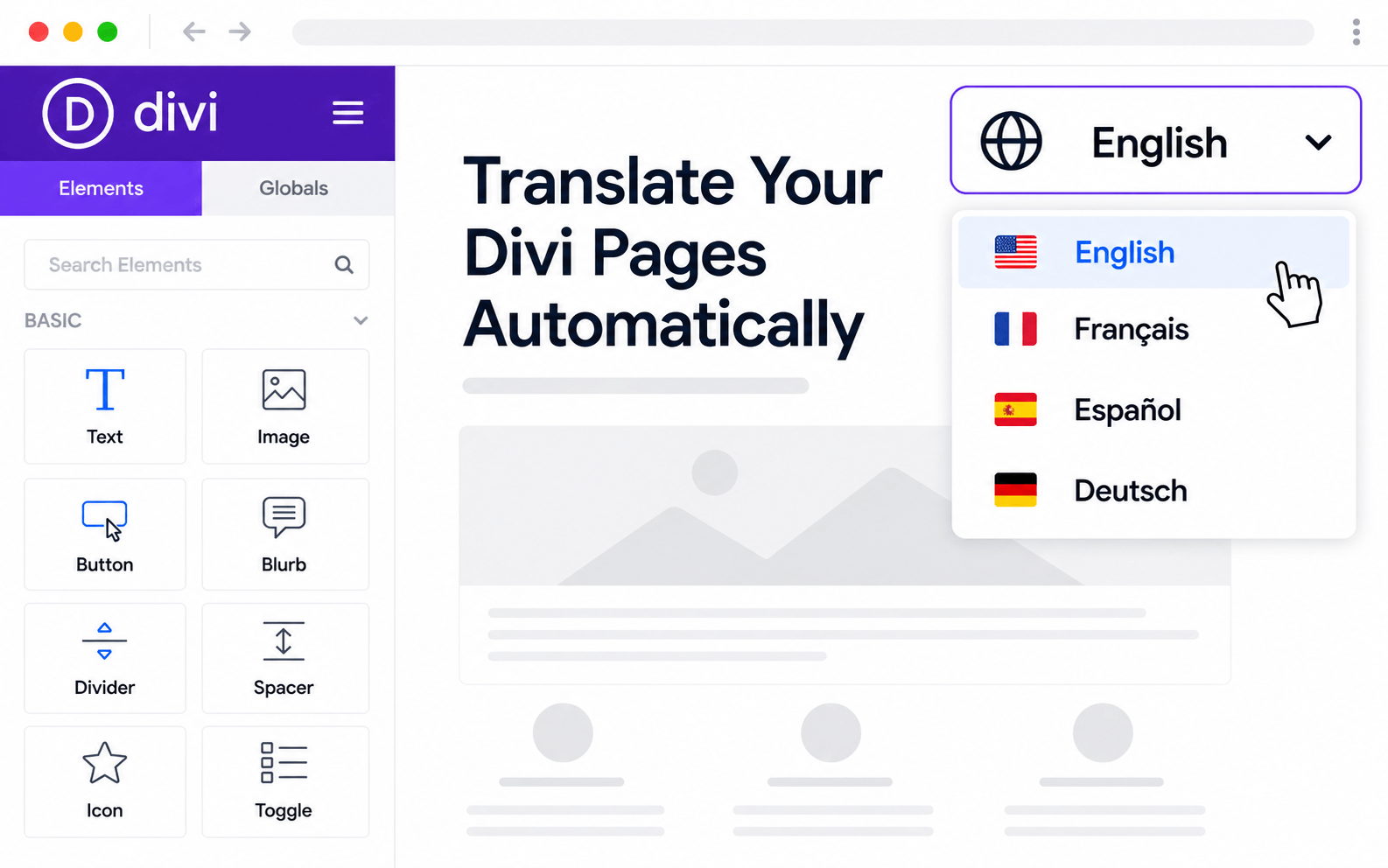
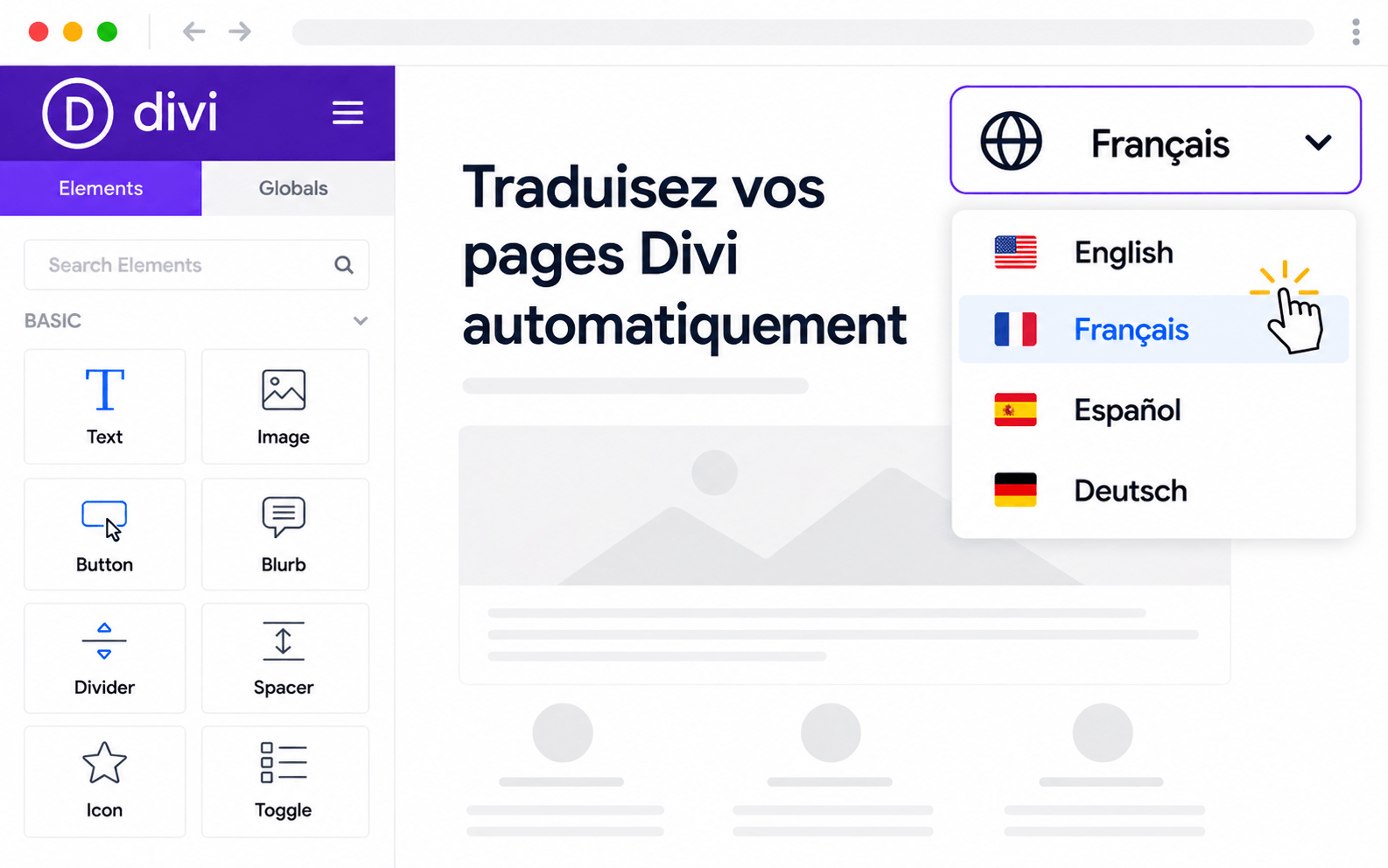
Divi pages translate cleanly through AutoPoly because it understands Divi's shortcode syntax. Blurbs, sliders, CTAs, testimonials, pricing tables, and Theme Builder templates — all module content is extracted, AI-translated, and written back to Polylang with module styling perfectly intact.
Divi wraps every module in shortcodes that easily break when copy changes — which is why hand-translated Divi sites are full of broken sections. AutoPoly parses Divi's shortcode syntax, extracts only translatable strings, and writes the translations back into Polylang with every blurb, slider, and module looking exactly as it did.
Text, blurbs, sliders, CTAs, testimonials, forms, and 30+ other Divi modules all translate cleanly.
Module attributes — colors, sizes, animations — stay untouched; only content gets translated.
Divi Theme Builder headers, footers, single-post, and archive templates all translate from one panel.
Translatable strings inside Code modules are detected while the code structure stays intact.
From install to translated site — usually under 10 minutes.
Every Divi module, every Theme Builder template — translated without breaking shortcodes.
Text, blurbs, sliders, CTAs, testimonials, forms, and 30+ other Divi modules all translate cleanly.
Divi Theme Builder headers, footers, single-post templates, and archive templates all translatable.
Module attributes — colors, sizes, animations — stay untouched; only content gets translated.
Translatable strings inside Code modules are detected while the code structure stays intact.
Translate dozens of Divi pages per batch — minutes of work, not weeks of manual editing.
Pick OpenAI, Gemini, Claude, DeepL — or free options like Google Translate and Chrome AI.
Divi pricing modules and CTA buttons translate without breaking column alignment or button styling.
Install AutoPoly, pick an AI provider, batch-translate — Divi structure stays intact through every run.
Divi pages translate with Yoast and RankMath meta in sync — your archive structure stays search-optimised in every language.
Translate every type of Polylang content with AutoPoly — pick the next feature to set up.
Real reviews from real users using AutoPoly with AI translation providers.
I tested the "Automatic Translations for Polylang" plugin for a project. The plugin is well-built and does exactly what it promises. You can try their plugins with absolute confidence!
I had an issue with some configurations during setup, but the support team helped resolve it immediately.

This plugin is doing a better job for me with translation than other AI plugins I tried before on my website. I just plug it with Gemini Pro and I've paid less than $1 for massive translates on my website with the 2.5 Flash model.

Yes — AutoPoly is shortcode-aware. It only touches the translatable text inside Divi's shortcode attributes, leaving module styling, animations, and structure untouched. Translated Divi pages look identical to the source layout.
All standard Divi modules: text, blurbs, sliders, CTAs, testimonials, contact forms, pricing tables, image galleries, accordions, tabs, and 30+ others. Translation handles each module's specific shortcode attributes correctly.
Yes — headers, footers, single-post templates, archive templates, and 404 templates created in Divi Theme Builder all appear in the bulk translation panel.
Code modules with translatable strings inside them are detected — the visible text gets offered for translation while the code structure stays intact.
No — translation happens once at translation time. The translated pages are stored as separate Divi entries and served from cache like any other Divi page. Zero front-end performance impact.
Yes — translated Divi pages are fully editable in the visual builder. You can fine-tune translations or adjust the translated layout independently of the source.