




★★★★★
I tested the "Automatic Translations for Polylang" plugin for a project. The plugin is well-built and does exactly what it promises. You can try their plugins with absolute confidence!
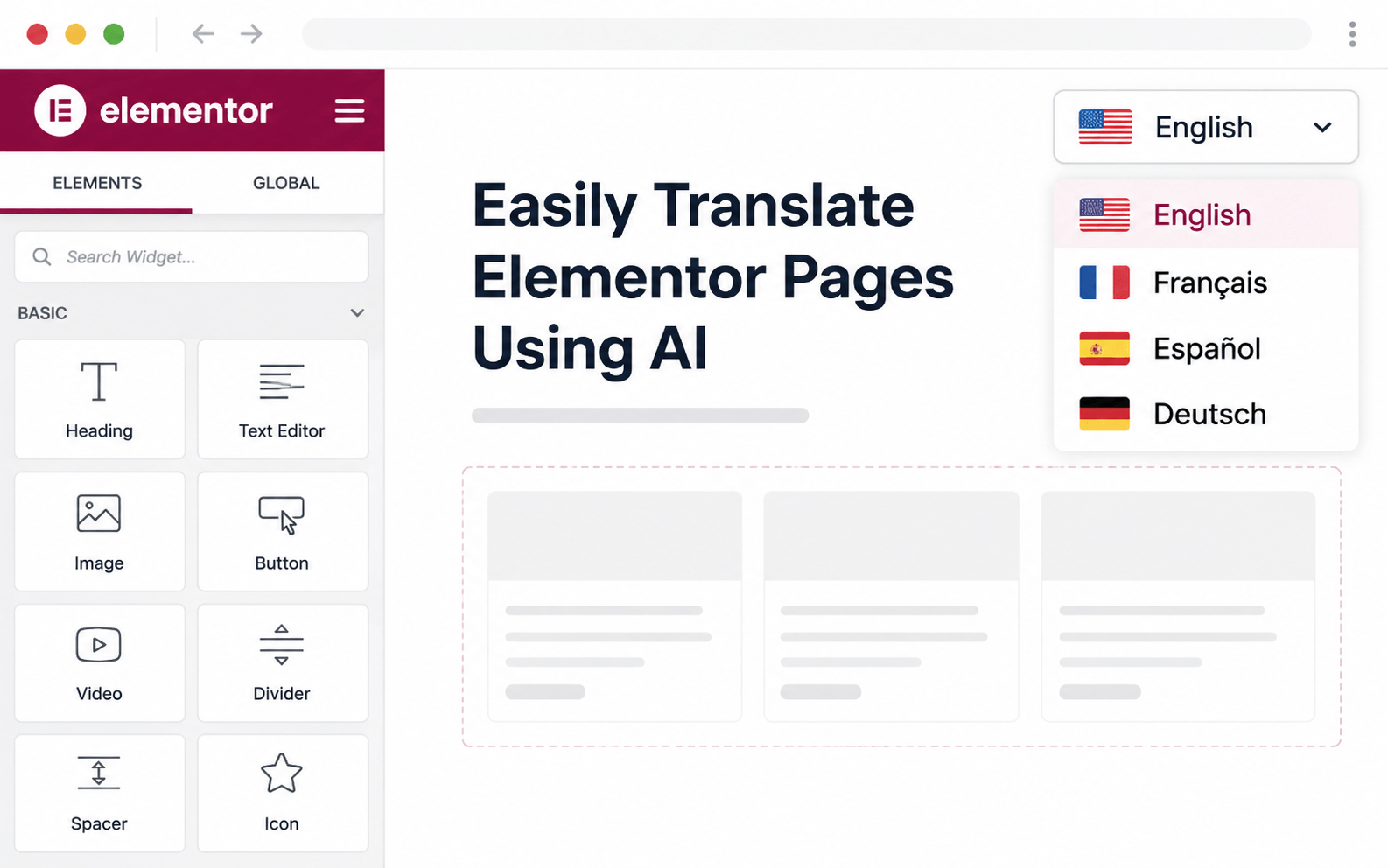
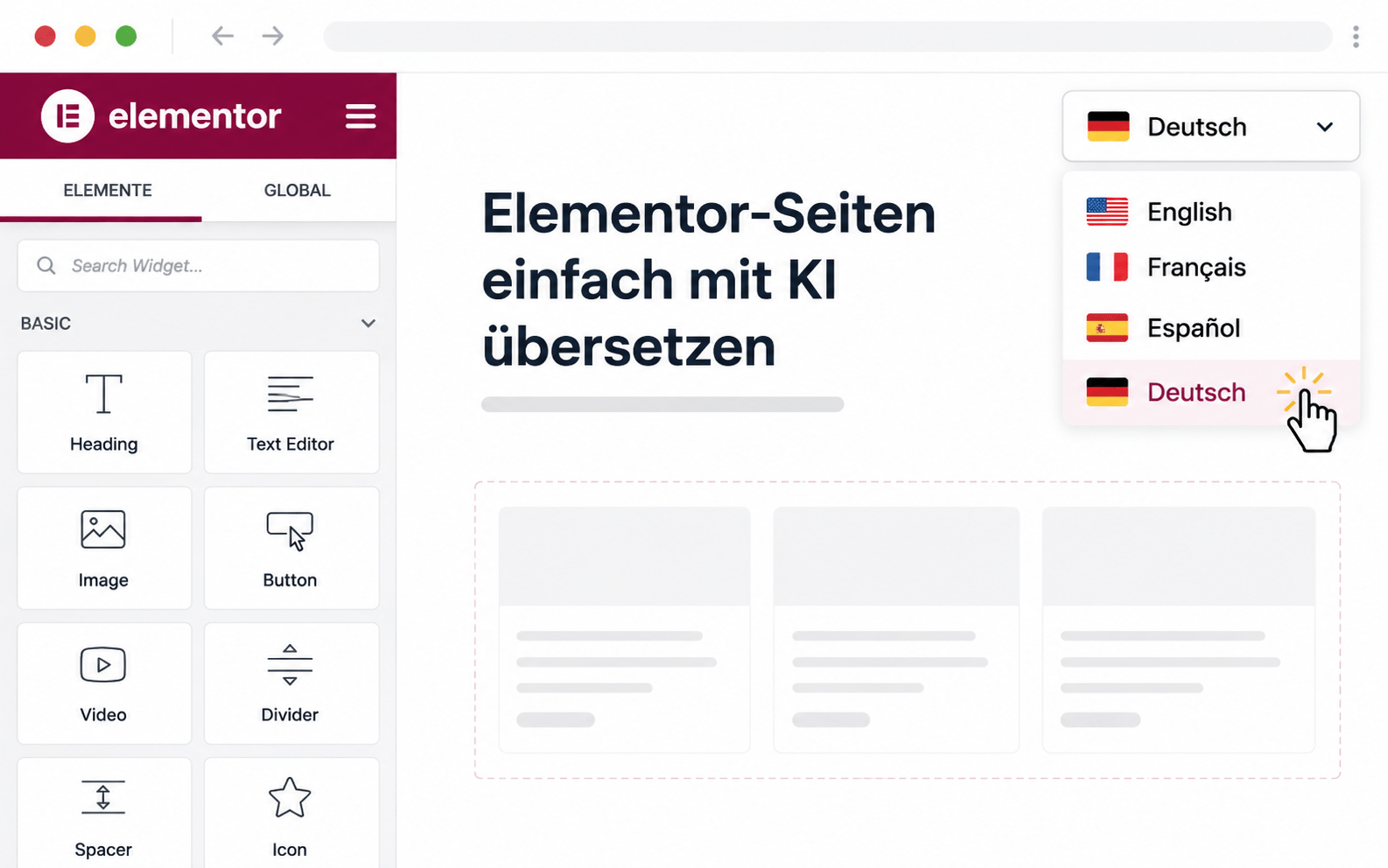
Translate Elementor pages without breaking layouts. AutoPoly extracts text from every Elementor widget — text, headings, buttons, captions, Pro widgets, ACF dynamic fields — sends it to your chosen AI provider, and writes the translations back into Polylang while leaving styling, animations and breakpoints untouched.
Elementor pages are notorious for falling apart when you hand-translate them — every widget, dynamic field, and responsive setting can break with copy changes. AutoPoly extracts only the translatable text inside each widget, sends it to your AI provider, and writes it back to Polylang with all styling, animation, and breakpoints intact.
Text, headings, buttons, captions, icon boxes, testimonials, forms, and Pro widgets all translate cleanly.
AutoPoly only touches translatable text — sections, columns, animations, and responsive settings are preserved.
ACF fields, CPT meta, and Elementor dynamic tags all translate alongside the visible page content.
Headers, footers, single-post templates, archive templates, and pop-ups are translatable from one panel.
From install to translated site — usually under 10 minutes.
Every widget, every dynamic source, every Theme Builder template — translated cleanly.
Text, headings, buttons, captions, icon boxes, testimonials, forms, and Pro widgets all translate cleanly.
Headers, footers, single-post templates, archive templates, and pop-ups translatable from one panel.
ACF fields, CPT meta, and Elementor dynamic tags all translate alongside the visible page content.
Sections, columns, animations, and responsive settings stay untouched — only translatable text changes.
Translate dozens of Elementor pages per batch — minutes of work instead of days.
Pick OpenAI, Gemini, Claude, DeepL — or free options like Google Translate and Chrome AI.
Posts, Slides, Loop Builder, Mega Menu, Forms — every Elementor Pro widget translates as cleanly as free ones.
Install AutoPoly, connect Elementor's translation panel, pick an AI provider — translation runs work out of the box.
Elementor pages translate with Yoast and RankMath meta in sync — your archives stay search-optimised in every language.
Translate every type of Polylang content with AutoPoly — pick the next feature to set up.
Real reviews from real users using AutoPoly with AI translation providers.
I tested the "Automatic Translations for Polylang" plugin for a project. The plugin is well-built and does exactly what it promises. You can try their plugins with absolute confidence!
I had an issue with some configurations during setup, but the support team helped resolve it immediately.

This plugin is doing a better job for me with translation than other AI plugins I tried before on my website. I just plug it with Gemini Pro and I've paid less than $1 for massive translates on my website with the 2.5 Flash model.

No — only the translatable text inside widgets gets sent to the AI provider. Your sections, columns, animations, responsive settings, and custom styling are preserved exactly. The translated page looks identical to the source, just in a different language.
All standard Elementor widgets translate cleanly: text, headings, buttons, image captions, icon boxes, testimonials, forms, FAQ, pricing tables, and more. Most Elementor Pro widgets are also supported.
Yes — ACF custom fields, custom post type meta, and Elementor's dynamic-tag content all get translated alongside the visible page content. The plugin reads and writes back to the correct fields automatically.
Yes — headers, footers, single-post templates, archive templates, and conditional templates all show up in the bulk translation panel and can be translated together.
Pop-ups are treated as translatable templates and appear in the bulk translation list. Your trigger conditions and styling stay intact.
Most third-party Elementor widgets that follow Elementor's standard API are supported. Custom-coded widgets that store text in non-standard locations may need a small filter — contact support if you hit issues.