





Skip to content

Bulk Translation
for WPML

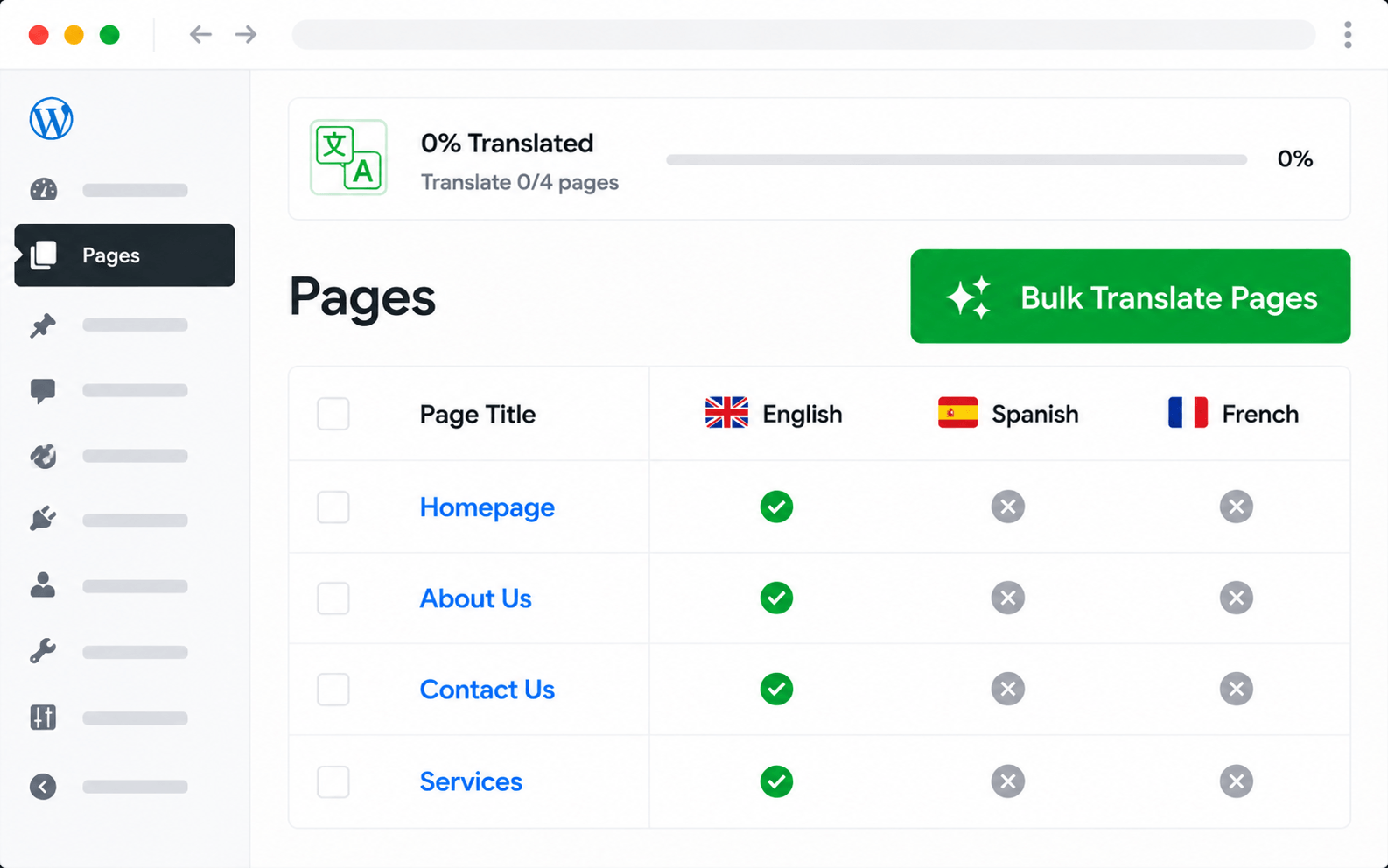
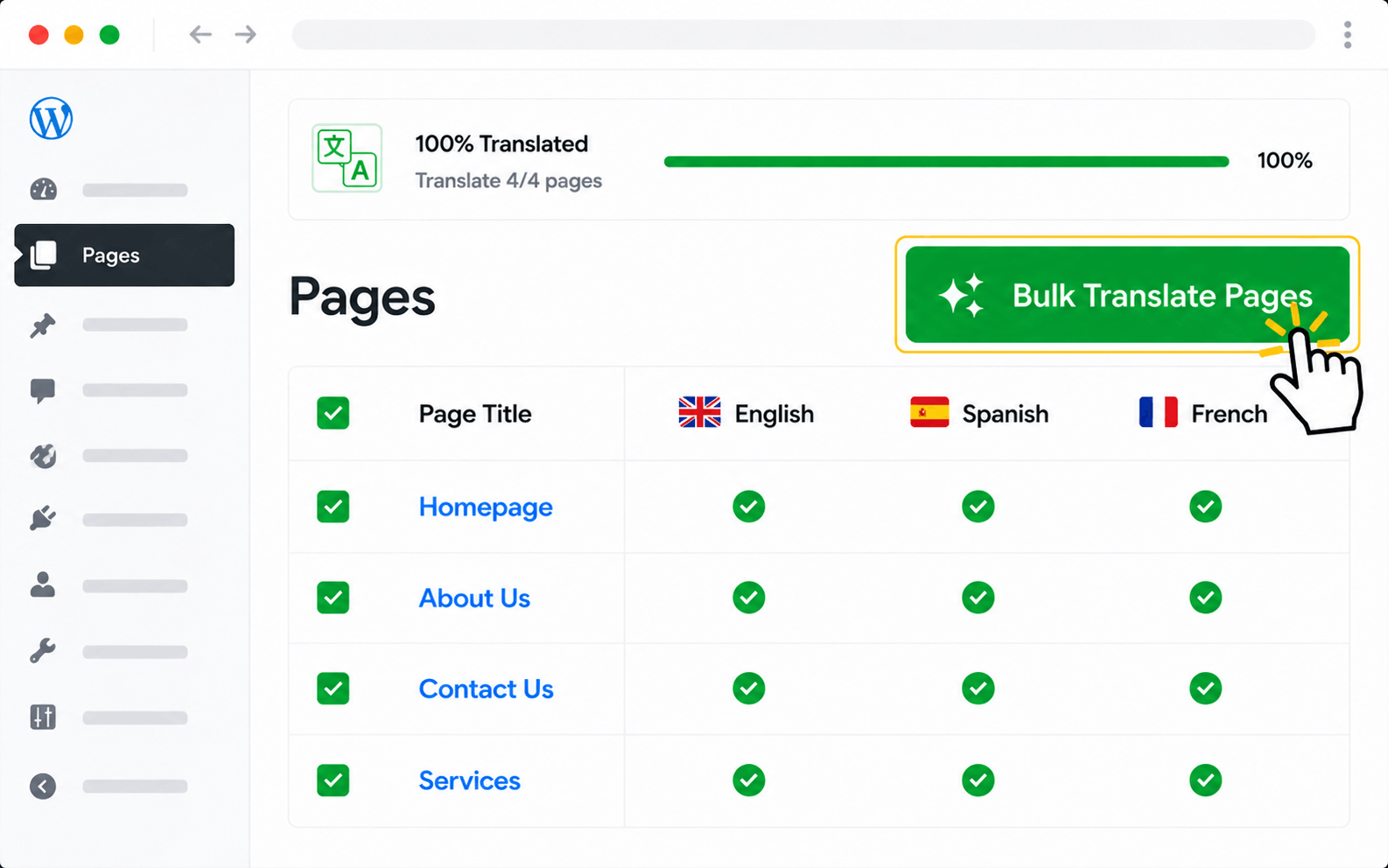
Bulk-translate hundreds of WPML pages in a single batch with AutoMLP. Pick any AI provider — paid or free — set your target language, choose what to include, and click Translate All. Auto-resume keeps long runs safe and re-runs skip already-translated content.

14-day money-back guarantee All AI providers supported Unlimited translations
Why bulk translation

Translate hundreds of WPML pages in one batch run

Translating WPML content one page at a time is the slowest path to multilingual. Bulk translation in AutoMLP lets you queue up hundreds of pages, pick a provider, and let the run finish in the background — with auto-resume on failure and automatic skipping of already-translated content.

Hundreds per batch

Translate 200+ WPML pages in a single run — minutes of work, not weeks.

Filter before running

Scope batches by post type, category, status, or language pair before kicking off.

Auto-resume on failure

If an API call fails mid-run, the queue picks up where it left off — no need to restart.

Skip already-translated

Re-runs only fill in the gaps — saves API cost and keeps existing translations stable.

Single-page translation
Days
per 100 pages
Manual click-through
VS
Bulk run via AutoMLP
Minutes
per 100 pages
Auto-resume · skip-translated
A 200-page WPML site bulk-translates in roughly 10 minutes instead of 2–3 weeks.
How It Works

Set up Bulk Translation for WPML in 4 steps

From install to translated site — usually under 10 minutes.

1
AutoMLP
v2.0.0 · Premium
★ 4.9 · 1,000+ installs
~ 2 min
Install AutoMLP
Activate it from your WordPress admin
2
Configure Bulk Translation
100 pages / batch
Ready
Auto-resume on failure
~ 1 min
Configure settings
Pick your AI provider & options
3
🇬🇧 🇩🇪
56 pages selected
< 10 min
Run translation
Pick languages, click translate
4
56 pages translated
02:34 elapsed
Live ✓
Site is multilingual
Translations saved automatically
Features

What bulk translation in AutoMLP covers

Every WPML content type, every provider, every safety net — translated in batches.

Hundreds per run

Queue 200+ WPML pages into a single batch — finish what would take weeks in roughly 10 minutes.

Filter before running

Scope batches by post type, category, status, or language pair — translate only what you need.

Auto-resume on failure

If an API call fails mid-batch, the queue picks up where it left off — no need to restart from scratch.

Skip already-translated

Re-runs only fill in the gaps — saves API cost and keeps existing translations stable.

All AI providers

OpenAI, Gemini, Claude, DeepL — or free options like Google Translate, Yandex, and Chrome AI.

Format preservation

HTML, shortcodes, ACF, and inline links stay intact across every page in the batch.

Background processing

Long batches run in the background — navigate away, close the browser, or queue another batch while the first one finishes.

Multiple languages

Queue translations into several target languages in parallel — German, French, Spanish from one batch interface.

Detailed run logs

Every batch leaves a log of translated pages, skipped pages, and any errors — easy to audit and re-run on failure.

Do more with AutoMLP in WPML

Translate every type of WPML content with AutoMLP — pick the next feature to set up.

Bulk Translation on another multilingual plugin

Same feature, different multilingual plugins — pick the addon that matches your site.

Reviews

What developers say about AutoMLP

Real reviews from real users using AutoMLP with AI translation providers.

★★★★★

I purchased the plugin and needed support to reduce limitations. The team was very supportive in implementing updates within a couple of weeks to achieve exactly what I needed. Thank you :)


Khawar Naveed Bhatti
Verified review on Trustpilot
★★★★★

I am very pleased with the service I got. I needed a feature and within 24 hours through a few emails back and forth, my problem was solved.

Gunnar Frederiksen
Verified review on Trustpilot
★★★★★

AutoMLP translated our WPML website surprisingly fast using Gemini AI. The bulk translation feature saved hours of manual work and drastically reduced overall translation expenses.

Hussam Barbour
Hussam Barbour
Customer testimonial

There's no hard limit on batch size from the plugin — the practical limit is your AI provider's rate limit and your site's PHP timeout. Most sites translate 100–500 pages per batch comfortably. For larger sites, split into a few batches by post type or category.

Bulk translation auto-resumes from where it stopped. If an API call fails (rate limit, network blip, or server timeout), the queue retries that specific item and then continues with the rest. You don't need to restart from scratch.

Yes. The bulk translation panel lets you filter by post type, category, status (published / draft), and target language pair before kicking off a run. You can also exclude pages that are already translated.

No — by default, already-translated content is skipped. Re-running a bulk job only fills in the missing translations. You can also force a re-translation if you've changed the source content.

Yes — bulk translation works with all the AI providers your plugin supports. Free options like Google Translate, Yandex, and Chrome AI need no API key, while OpenAI / Claude / Gemini / DeepL use your own API key.

For a 100-page site, expect under 10 minutes with most AI providers. Time scales roughly linearly with the number of pages, the average page length, and your provider's rate limit.